How to Use the Chronograph
Quick Start
To use your Iconic Tachymeter stopwatch:
- Press button A to start.
- Press button A again to stop.
- Press button B to reset.
The chronograph can measure up to 60 minutes in 1/5-second increments. After 60 minutes, it stops automatically.
Understanding the Chronograph
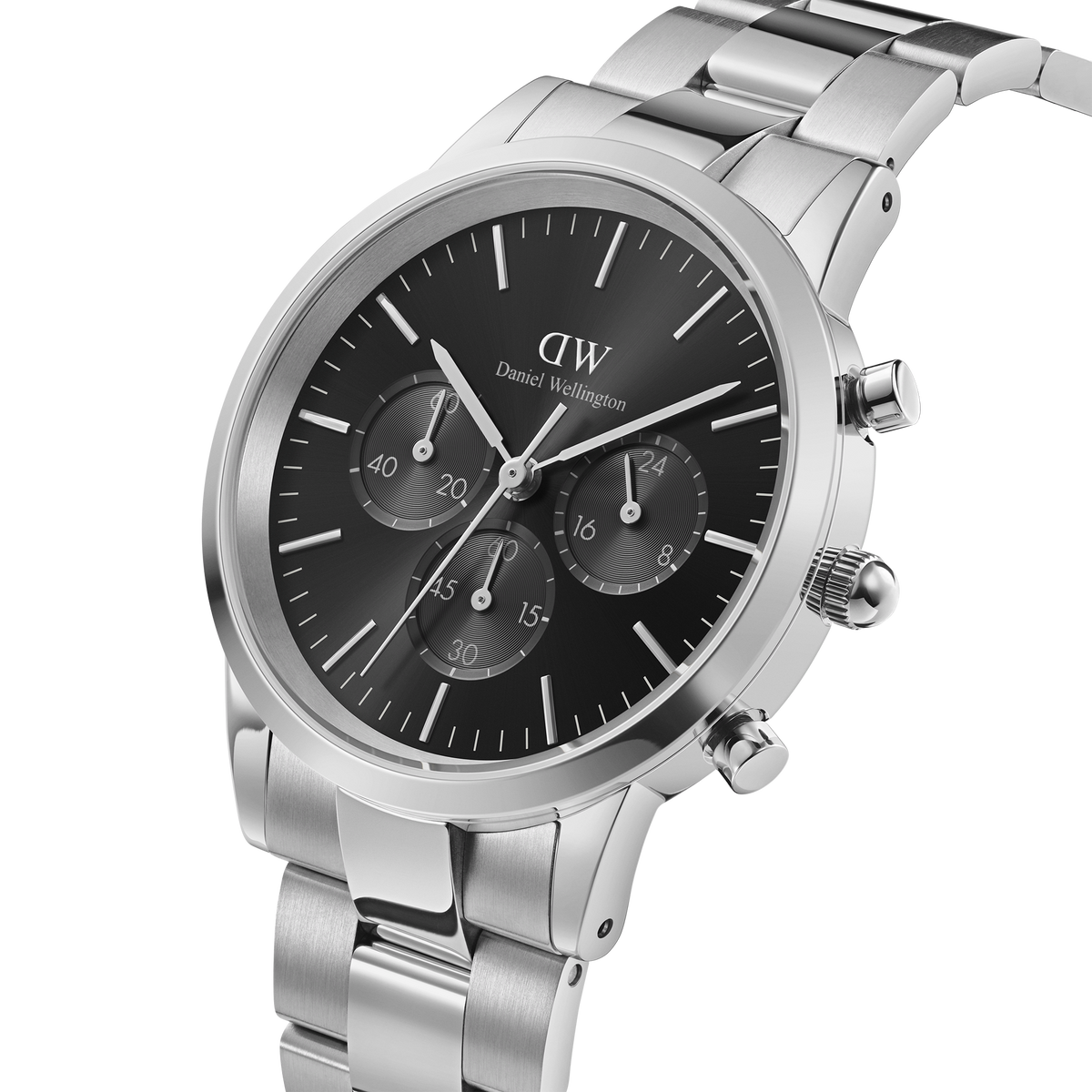
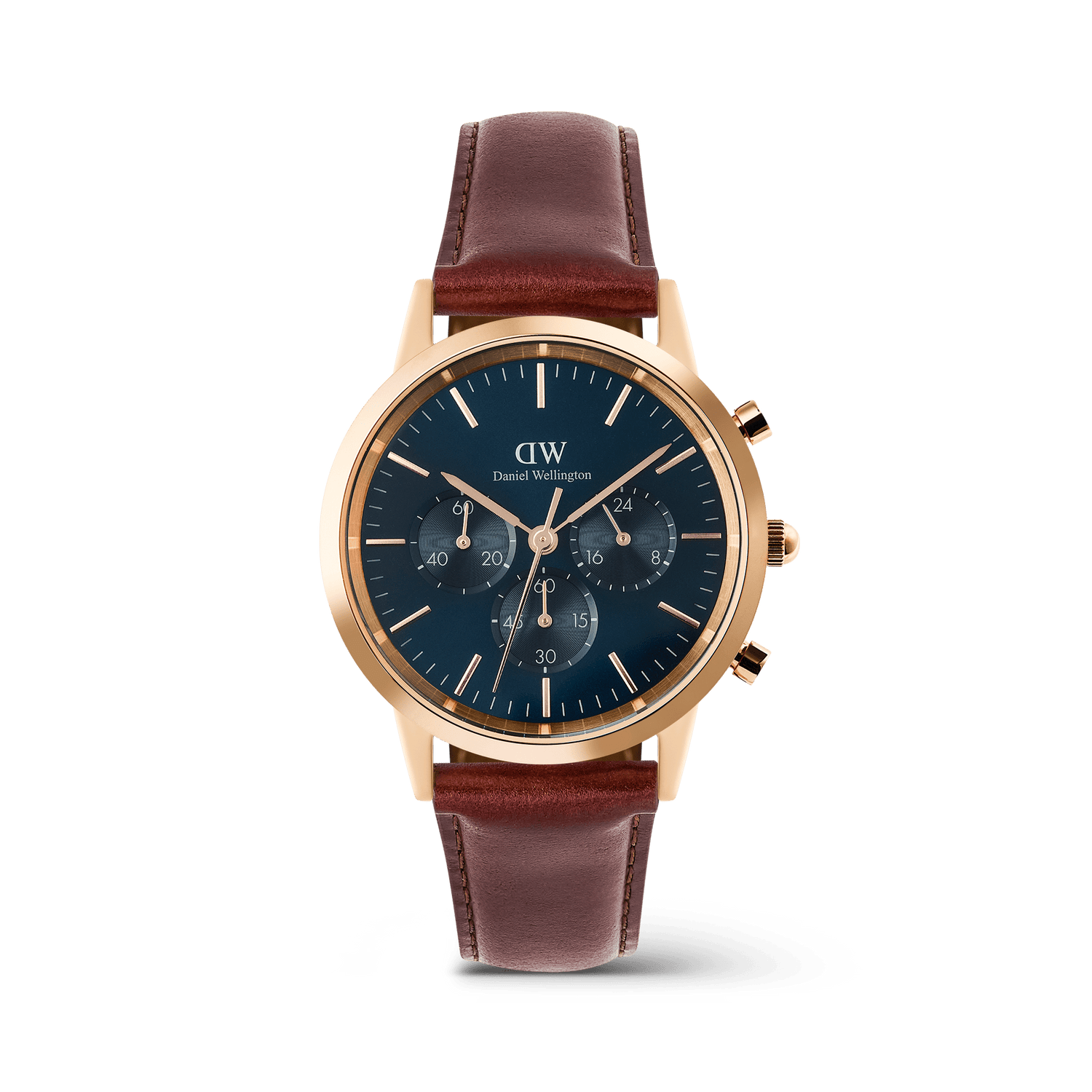
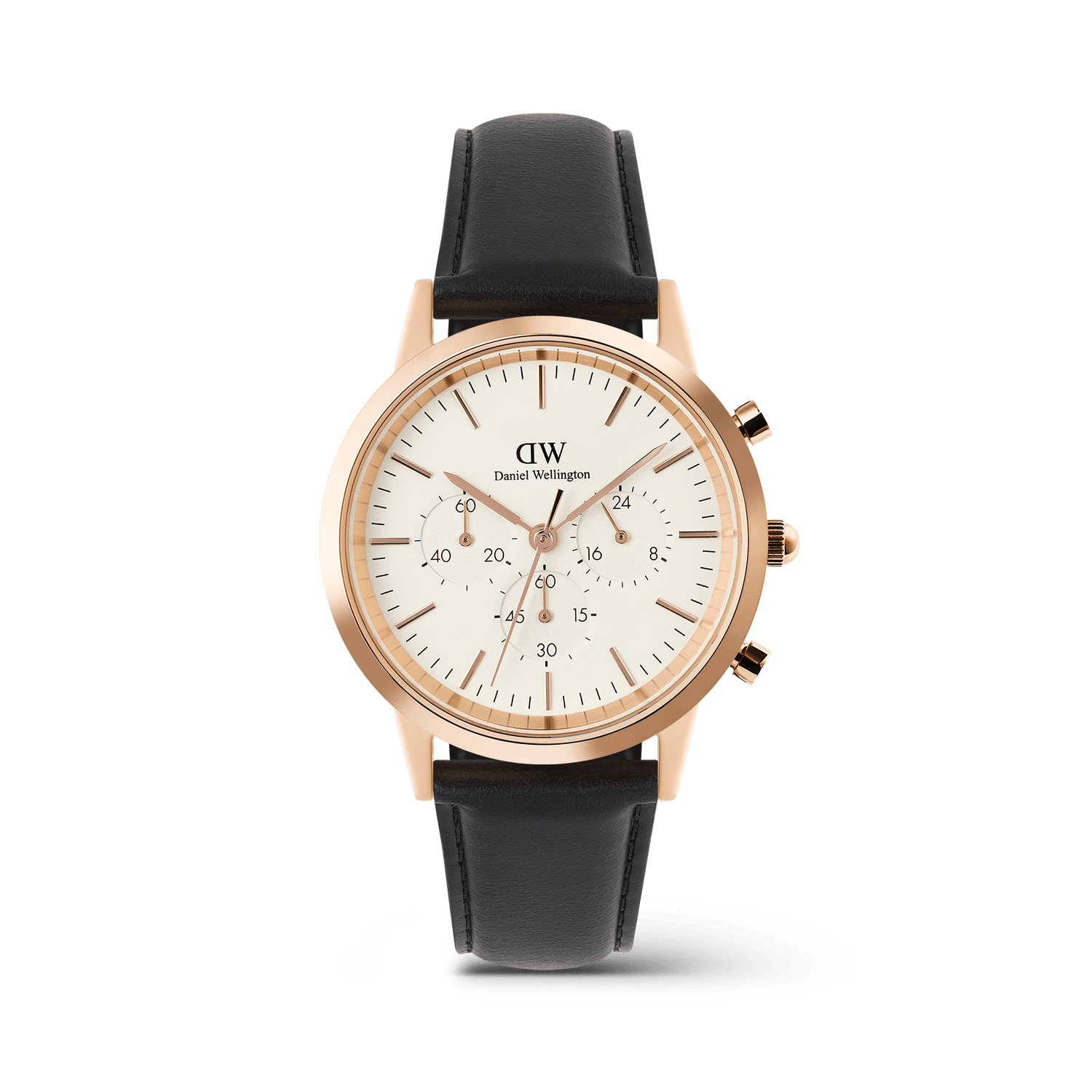
The Iconic Tachymeter is powered by a quartz chronograph movement with a central chronograph seconds hand, a chronograph minute hand, a small seconds display, a 24-hour hand, and a date display. The movement documentation also shows that the small sub-dials are used for running seconds, chronograph minutes, and 24-hour time.
What the Sub-Dials Show
The small sub-dials display:
- Running seconds
- Chronograph minutes
- 24-hour time
Standard Measurement
To measure elapsed time:
- Press button A to start the chronograph.
- Press button A again to stop it.
- Press button B to reset it to zero.
Accumulated Elapsed Time Measurement
For timing multiple intervals:
- Press button A to start.
- Press button A again to pause.
- Press button A to resume.
- Press button A to stop.
- Press button B to reset.
You can restart and stop the chronograph as many times as needed before resetting.
Using the Tachymeter
The tachymeter scale is mainly used to measure speed or productivity.
For speed:
- Use the chronograph to measure how many seconds it takes to travel 1 kilometre or 1 mile.
- Read the number on the tachymeter scale where the chronograph seconds hand stops.
- That number shows the average speed per hour.
The movement documentation also shows the tachymeter can be used to estimate the number of operations completed in one hour.
Setting the Time and Date
The crown has three positions:
- Normal position - watch running
- First click - date setting
- Second click - time setting
To set the watch:
- Pull the crown out to the first click and turn it until the correct date appears.
- Pull the crown out to the second click to set the time.
- Push the crown back to the normal position when finished.
About the 24-Hour Hand
The 24-hour hand follows the main hour hand and shows time in a 24-hour format. It is not independently adjustable as a separate GMT hand.
Resetting the Chronograph Hands
Before using the chronograph, make sure the chronograph hands are reset to 0. If the hands are not correctly aligned, the movement documentation includes a reset-to-zero procedure for misaligned chronograph hands.
Important Notes
Do not set the date between 9 pm and 3 am, as this may cause malfunction. The documentation also notes that the 24-hour hand moves together with the hour hand, so both should be checked when setting the time.